Most ad accounts don't lose money to bad strategy. They lose it to busywork: someone forgot to pause a bleeding ad set over the weekend, budget sat unmoved for three days while a winning campaign got capped, or a creative ran two months past its expiration date because nobody had time to refresh it. AI advertising automation tools exist to close exactly that gap — not by replacing strategy, but by executing the rules a human team can't watch 24/7.
Where Concat Pro Fits
Before the category breakdown: Concat Pro's Ad Agent is built for this same job — it monitors spend across Meta, Google, and TikTok, reallocates budget toward winning ad sets on a tight cadence, and flags underperformance before it eats a week of spend, so a lean growth team runs more accounts without adding headcount. If you're comparing automation options for your own stack, it's worth running your current numbers through the growth rate calculator before you commit budget to any tool, and checking Concat Rank to see how your paid and organic presence compares to competitors already running automated stacks.
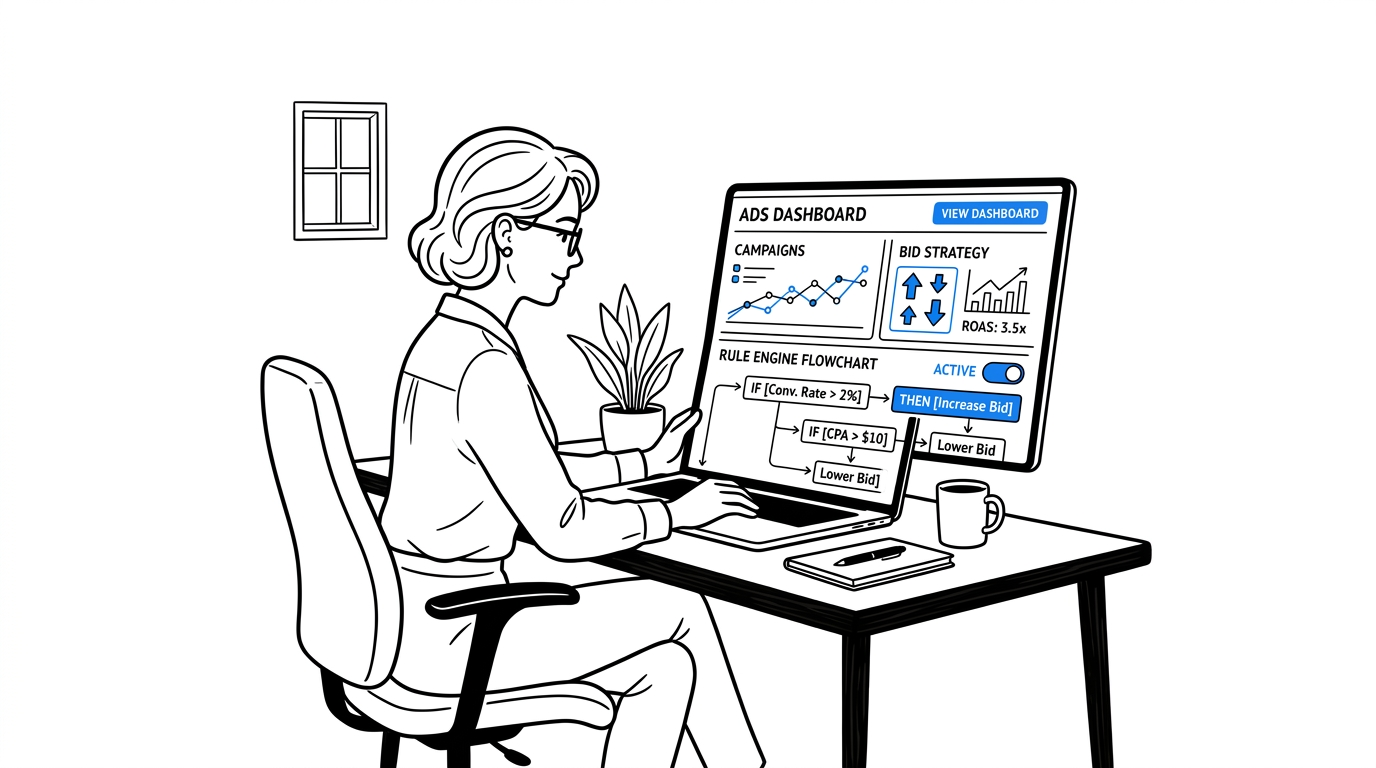
What "Ad Automation" Actually Covers
The term gets used loosely. In practice, it splits into four distinct jobs:
- Bid automation — adjusting bids toward a CPA or ROAS target continuously, instead of a human checking once a day.
- Budget automation — shifting spend from underperforming to winning ad sets on a schedule tighter than most platforms' native rules allow.
- Creative rotation automation — pausing fatigued creative and testing new variants without a manual audit.
- Account audits — scanning for broken tracking, wasted spend, and policy issues on a recurring basis instead of only when something breaks.
Most teams only automate one of these four jobs and assume they've automated "the account."
Manual Ad Management vs. Automated Execution
| Task | Manual Process | AI Automation |
|---|---|---|
| Bid adjustments | Checked once or twice daily | Continuous, toward a set CPA/ROAS target |
| Budget reallocation | Weekly review, spreadsheet-driven | Every 15-30 minutes, rule-based |
| Creative refresh | Quarterly, when someone notices fatigue | Automated fatigue detection and rotation |
| Account audits | Ad hoc, usually after a problem appears | Scheduled, recurring, alerts before spend is wasted |
| Weekend/after-hours coverage | None | 24/7 |
Real Results From Teams Running It
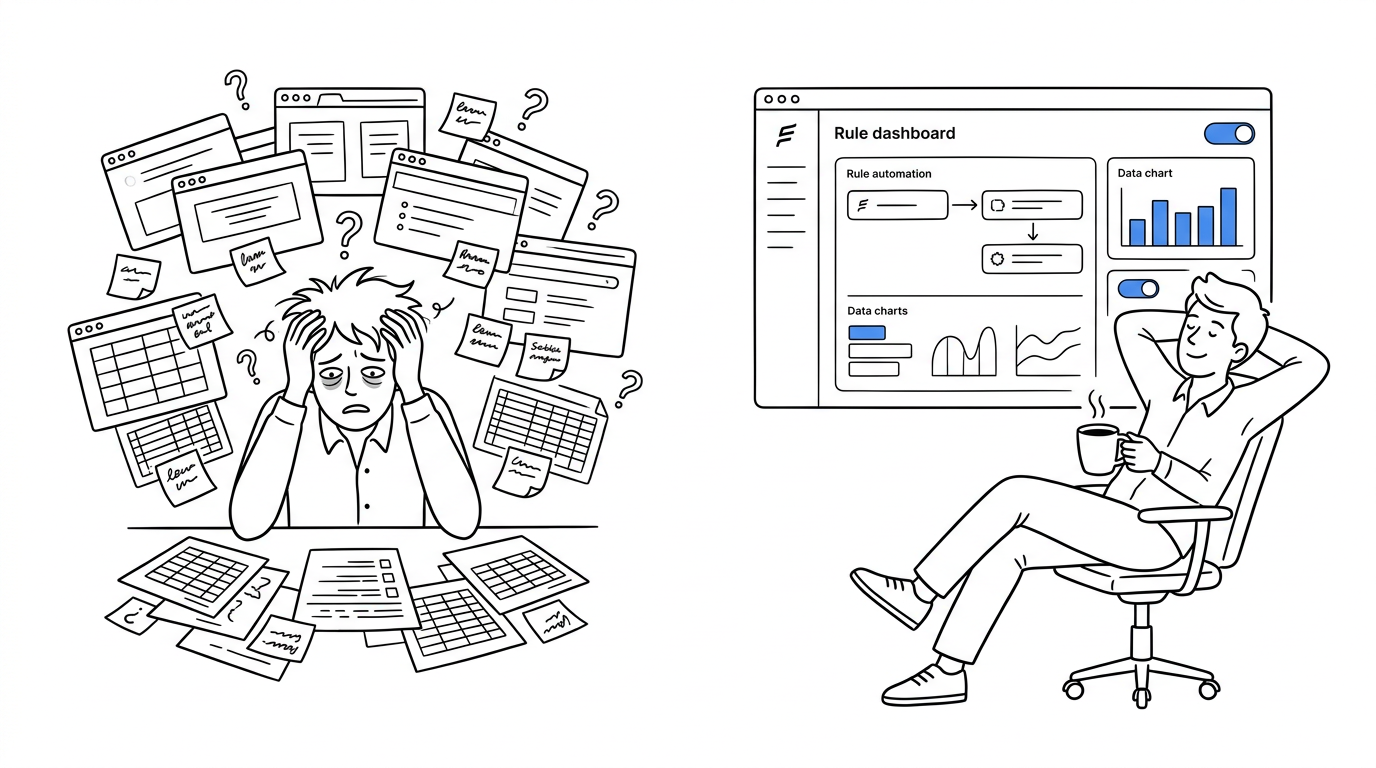
Matthieu Tran-Van, a Google Ads consultant managing $350 million in combined ad spend across 20 clients, automated his rule-based optimizations using Optmyzr's Rule Engine. The documented results: a 28% revenue increase at the same ROAS, a 52% CPC decrease after Quality Score climbed from 4 to 7, and 20 hours saved per client every week — time he reinvested into strategy instead of manual bid checks.
BBQGuys, an online outdoor-living retailer managing nearly 30,000 SKUs across Google and Microsoft Ads, adopted automated bidding and shopping-feed tools to handle a catalog too large for manual management. Since October 2021, the account has generated more than $450,000 in incremental revenue at a 7.34 ROAS, while cutting account-management hours by 50%.
Neither result came from a single "set it and forget it" toggle — both came from layering automation onto an existing strategy, then reinvesting the freed time into decisions a machine can't make: creative direction, offer testing, and channel strategy.
For a broader look at where AI actually fits into a 2026 marketing stack beyond paid ads alone, Brand24's recent breakdown is a useful reference point — it's pulled over 1.6 million views since posting in February 2026, a signal the topic has real demand right now:
Common Mistakes Teams Make
- Automating budget without a margin ceiling. A rule that chases ROAS without a spend cap can scale a losing campaign just as fast as a winning one.
- Turning off human review entirely. Automation compounds wins — it also compounds a bad rule. Keep a weekly check-in even after the pilot phase.
- Judging results after 48 hours. Bid and creative automation need real conversion volume to learn; killing a test too early starves the model of signal.
- Automating one job and calling the account "automated." Bid automation without account audits still lets tracking issues burn spend silently.
- Skipping the pilot account. Rolling automation across every account on day one makes it impossible to isolate what caused a result.
How to Choose: A Quick Checklist
- Does it cover the job you actually need automated (bid, budget, creative, or audits) — not just the one it markets hardest?
- Can you set a spend ceiling or approval threshold before it executes unsupervised?
- Does it report results against your target metric (CPA/ROAS), not vanity engagement numbers?
- Can you pilot it on one account before rolling it across your whole book?
- Does it free up hours you can actually reinvest into strategy, or just shift the busywork elsewhere?
Getting Started Without Breaking Your Account
Run a two-week read-only pilot on your most stable account first — compare what the tool recommends against what your team would have done manually. Once the recommendations track, hand over budget and bid control with a spend threshold in place, and expand only after you can point to a specific number that moved. Concat Pro's Ad Agent is built around that same phased rollout, and pairs with the SEO/GEO Agent so paid and organic performance sit in one view instead of two disconnected dashboards.
For deeper reads on adjacent decisions — scaling client accounts without hiring, and knowing when automation alone isn't enough — see AI Ad Agent for Marketing Agencies and Growth Platform vs Marketing Automation on the Concat Pro blog.
References
- Concat Pro — Ad Agent, Growth Rate Calculator, Rank
- Optmyzr — Case Study: Matthieu Tran-Van and Case Study: BBQGuys
- Brand24 — Best AI Tools for Digital Marketing in 2026, YouTube, Feb 2026