How to Start Using Vibe Business This Week (Not "Someday")
Most people who say they want to start using vibe business never ship anything. They spend three weeks comparing Lovable vs. Bolt vs. Cursor, read six "vibe coding" explainers, and never open a prompt window. The blocker isn't the tool. It's the absence of a Day-1 plan that turns "I should try this" into a shipped, tested first move.
This is that plan: five concrete steps you can run in a single week, using real tools, with one founder's actual numbers as a sanity check.

How to Start Using Vibe Business: Where Concat Pro Fits
Before you write a single prompt, do two 15-minute checks that most beginners skip.
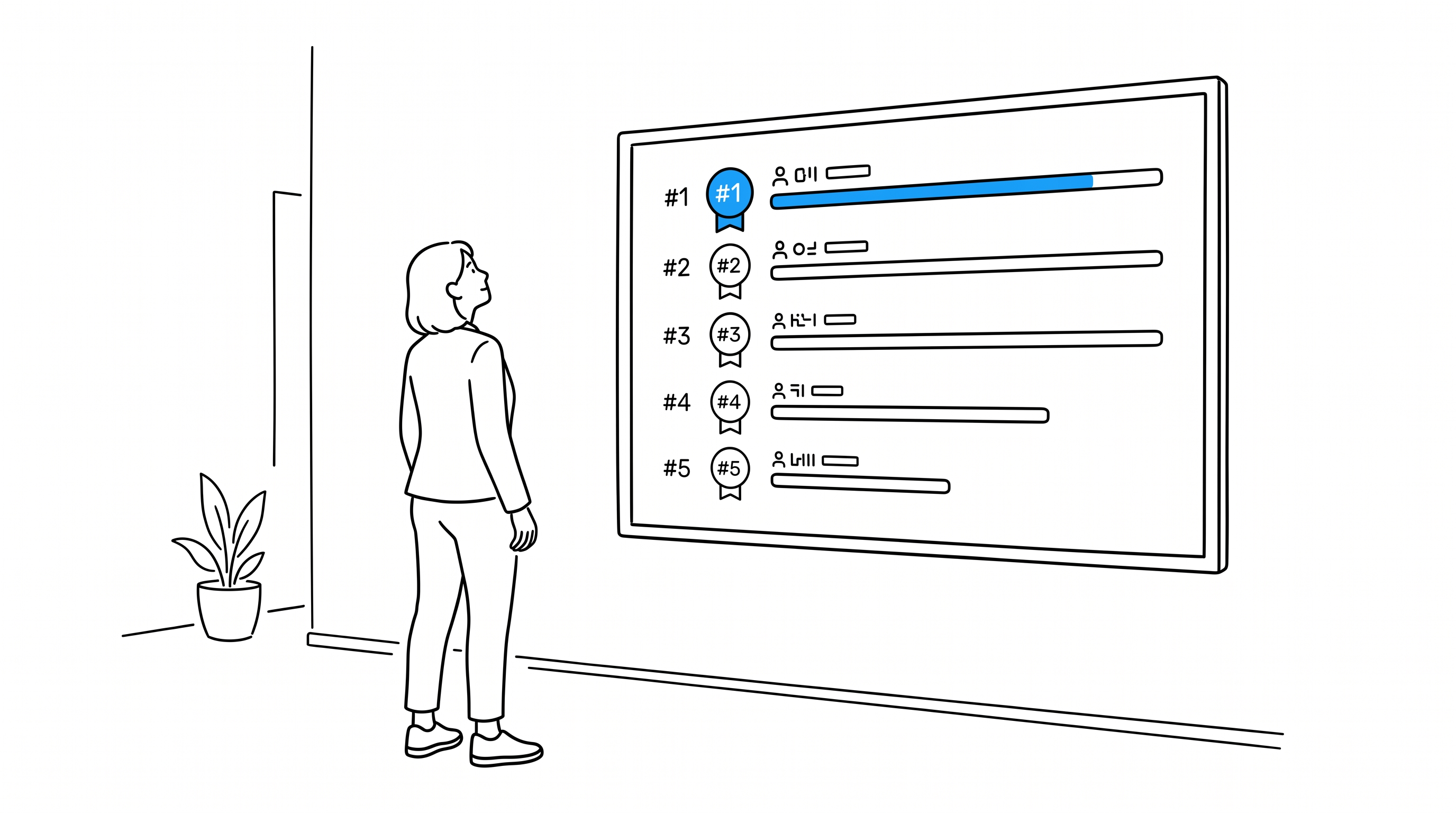
Check the room first. If your vibe-coded idea is a tool, a niche app, or a content product, Rank gives you a fast read on who else is already active in that space — curated leaderboards of top creators and channels by platform and niche. Spend 15 minutes scanning the leaderboard for your niche before you build. If three channels with real audiences already cover your exact angle, that's useful information now, not after week two of building.
Set a growth bar before you launch, not after. Once you ship, you need a number to judge the first week against — and most first-time builders either invent one or panic over noise. Concat Pro's Growth Rate Calculator takes a start value, an end value, and your time period, and returns a Simple Growth Rate or CAGR instead of a gut feeling. Plug in your week-1 and week-2 signup counts and compare the result against a real reference range — early-stage SaaS products typically run 15-25% MRR growth per month. The calculator's own guidance is worth heeding here: a jump from 2 to 20 signups looks like 900% growth, but at that sample size it's not a trend yet, it's noise. Use the tool to stay calibrated, not to celebrate too early.
Both checks take under 30 minutes combined and they happen before code, which is the point.
The 5-Step Week-1 Checklist
- Pick one tool and one problem. Don't evaluate five builders. Choose one (Lovable, Bolt, Cursor, or similar) and one narrow problem you personally have.
- Run the room check. Fifteen minutes on Rank for your niche. Adjust scope if it's saturated; proceed if there's a gap.
- Write the first prompt as a spec, not a wish. Describe the exact input, output, and one workflow — not "build me an app."
- Ship something small publicly by day 3. A landing page, a working demo, a waitlist. Public beats perfect.
- Measure week 1 against a real benchmark, using the Growth Rate Calculator, not a hunch.
A Real Starting Point: What Actually Happens Week One

Marketing consultant Georgi Todorov documented his own transition to vibe coding in Entrepreneur, and it's useful because it's unglamorous — no eight-figure exit, just a working method. He didn't build one big app. He started small and specific: internal dashboards to stop manually moving data between platforms, client landing pages built and shipped in a single afternoon instead of over weeks of agency back-and-forth, and interactive lead-generation assets — calculators and quizzes — built directly for clients.
The pattern that matters for a beginner: he started with tools that solved one real, narrow problem he already had, each buildable in hours rather than the weeks a traditional dev cycle would take. That's the same principle as the checklist above — narrow scope, fast ship, real use immediately — just proven at the "person actually doing it" level rather than a case study designed to impress.
Manual First Week vs. AI-Assisted First Week
| Step | Manual/traditional approach | Vibe-business approach |
|---|---|---|
| Market check | Days of manual competitor research | 15 minutes on Rank |
| Build | Hire a dev or agency, wait weeks | Prompt-built demo in hours |
| First ship | Held back for "polish" | Public by day 3 |
| Judging results | Eyeballed, no baseline | Calculated against a real benchmark via Growth Rate Calculator |
Common Mistakes When Starting
- Tool-shopping instead of shipping. Comparing builders for weeks burns the exact time advantage vibe coding is supposed to give you.
- Building broad instead of narrow. A single dashboard or landing page beats a half-finished "platform."
- Treating early numbers as proof. Small-sample growth swings look dramatic and mean little — run them through a calculator before you draw conclusions.
- Skipping the competitive scan. Fifteen minutes upfront is cheaper than discovering the gap after launch.
For a deeper look at whether this approach fits your situation at all, our founder-fit framework is a useful next read. Once week one is done and you're moving past a single prototype, the phase-by-phase implementation guide covers what comes next, and if your first build starts getting real users, our pricing framework is worth reading before you charge anyone a cent.
If you want a longer walkthrough before you touch a keyboard, Franklin AI's "The Ultimate Vibe Coding Guide" (48,900+ views, published May 2026) is a solid full-course primer on the mechanics — worth watching once, not as a substitute for shipping something this week.
Starting using vibe business isn't a research project. It's a five-step week with two 15-minute checks built in. Do the checks, ship something narrow by day 3, and measure it honestly.
References
- Concat Pro, Growth Rate Calculator — CAGR and simple growth-rate tool with SaaS/ecommerce benchmark ranges.
- Georgi Todorov, "How Vibe Coding Changed the Way I Run My Business (and Why Every Solopreneur Should Try It)", Entrepreneur.
- Franklin AI, "The Ultimate Vibe Coding Guide (2026 Full Course Tutorial)", YouTube, published May 2026, 48,900+ views.