Vibe Business Explained for Beginners: From First Prompt to Real Revenue
If you've never coded anything and you keep seeing "vibe coding" and "vibe business" in your feed, here's the plain-English version. Vibe coding means describing an app to an AI model in normal sentences and watching it write the code for you — no syntax, no framework decisions. A vibe business is what happens next: turning that AI-built app into something that actually makes money, which is a completely different skill than describing an app.
The term "vibe coding" was popularized in early 2025 by Andrej Karpathy, former Tesla AI director and an OpenAI co-founder, who described his own workflow as "fully giving in to the vibes" — describing what he wanted and letting tools like Claude or Cursor generate the code. For a beginner, the useful takeaway isn't the history. It's this: the building part is now genuinely easy. The business part still isn't, and that's where most first-timers get stuck.
Vibe Business Explained for Beginners: Where Concat Pro Fits
Once a beginner has a working app, two questions show up immediately: who do I tell about this, and is anything I'm seeing actually growth? Concat Pro answers both without requiring you to learn a second skill on top of vibe coding.
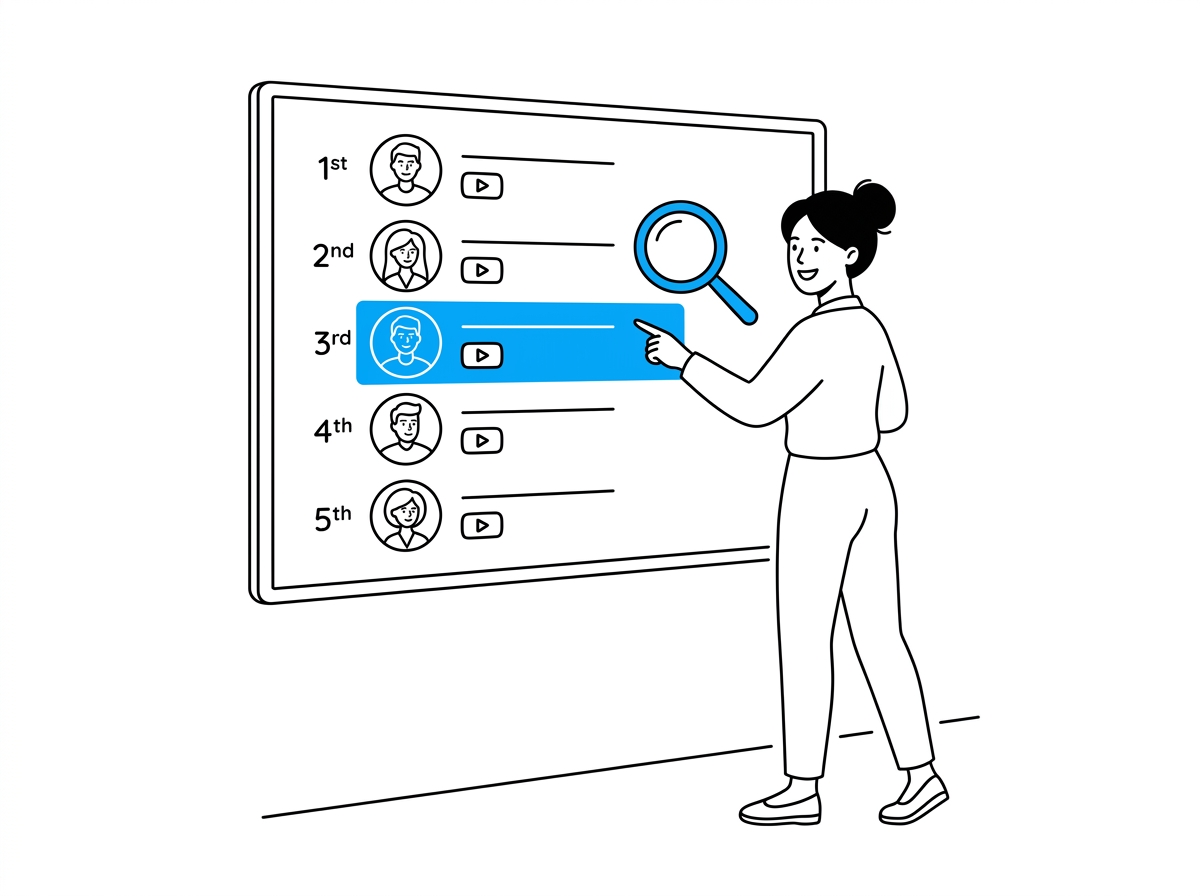
Rank surfaces top influencers and channels across industries and platforms, giving a first-time builder a starting point for creator research instead of guessing who might mention a brand-new app. If your vibe-coded product needs its first ten users, scanning a niche's leaderboard for relevant creators is faster than cold-searching social platforms one account at a time.
Growth Rate Calculator takes a start value, an end value, and a time period, then returns a real Simple Growth Rate or CAGR. Beginners tend to overreact to small numbers — going from 2 signups to 8 in a week "feels" huge, but the calculator puts that swing next to the actual math instead of a headline percentage, so you know whether to keep pushing or wait for a bigger sample.
Neither tool builds your app. Both exist for the exact moment a beginner's vibe-coded product needs to be found and measured, which is precisely where most tutorials stop.
What a Real Beginner Case Looks Like
Cloud educator Lucy Wang (Tech With Lucy) is a useful case precisely because she isn't a hype figure — she's a former AWS Solutions Architect who vibe-coded her own learning platform, Zero to Cloud, and has said it generated more than $120,000 in sales. In her February 2026 tutorial, "How to Vibe Code in 2026 (Full Beginners Tutorial)" — 119,000+ views and 4,600+ likes at time of writing — she walks a complete beginner through building a habit-tracker app with Base44 in about 20 minutes, then explains the three ways people actually monetize a vibe-coded product: selling app templates, freelancing custom builds for clients, or running the app itself as a business.
Her own advice for beginners matters more than the demo: start with a real problem you understand, build one feature at a time instead of asking for everything at once, and get a security review before you scale to real users. That last point is the one most beginner tutorials skip entirely.

Vibe Coding vs. Vibe Business, in Plain Terms
| Vibe Coding | Vibe Business | |
|---|---|---|
| What you're doing | Describing an app; AI writes the code | Getting real people to find, use, and pay for that app |
| Time it takes a beginner | Minutes to hours per feature | Weeks to months of consistent effort |
| Skill required | Clear, plain-English descriptions | Distribution, pricing, and honest measurement |
| Where it stalls | Rarely — tools handle most of this now | Almost always — this is the actual bottleneck |
A 4-Step Framework for Beginners
- Pick one narrow problem you personally understand. Lucy's example app (a habit tracker) is deliberately simple — a beginner's first build should be too.
- Build it in one sitting with plain-English prompts, adding one feature at a time rather than describing the whole app at once.
- Find ten real people who have this exact problem before writing any marketing copy — use a creator leaderboard like Rank if outreach through creators fits your niche.
- Check your first month's numbers with real math, not vibes. Run your signup or revenue numbers through the Growth Rate Calculator before deciding whether to double down.

Common Mistakes Beginners Make
- Treating "it works" as "it's done." A working demo and a business are two different milestones.
- Skipping a security check before real users sign up. Even Lucy's tutorial flags this explicitly for anyone planning to scale.
- Reading a small jump in signups as a trend. Two users becoming eight is not statistically meaningful yet.
- Trying to describe an entire complex app in one prompt. Beginners get better results building one feature at a time.
For the fuller picture once you're past your first build, Concat Pro's guides on what a vibe business actually is, who should actually use this model, and what it really costs to run one go deeper into each stage than a beginner-level explainer can.
The Bottom Line
Vibe coding got easy first. Vibe business — finding the people who want what you built and proving the growth is real — is still the hard part, and it's the part every beginner underestimates. Build small, find your first real users deliberately, and check your own numbers before you believe them.
References
- Concat Pro — Rank and Growth Rate Calculator
- Tech With Lucy (YouTube) — "How to Vibe Code in 2026 (Full Beginners Tutorial)"
- Clarista — "What Is Vibe Coding? The Definitive 2026 Guide"